

Introduction
- This tutorial will guide you through the steps to connect your DrizzleORM with your PostgreSQL database hosted on Square Cloud.
- First, you need to have an active paid plan on your account. You can view our plans and purchase one according to your needs here.
- Next, you’ll need a PostgreSQL database hosted on Square Cloud. If you haven’t created one yet, you can create it here.
Prerequisites
- Before you begin, ensure you have created database in Square Cloud and connect on some manager client like dbeaver or any other to create a database.
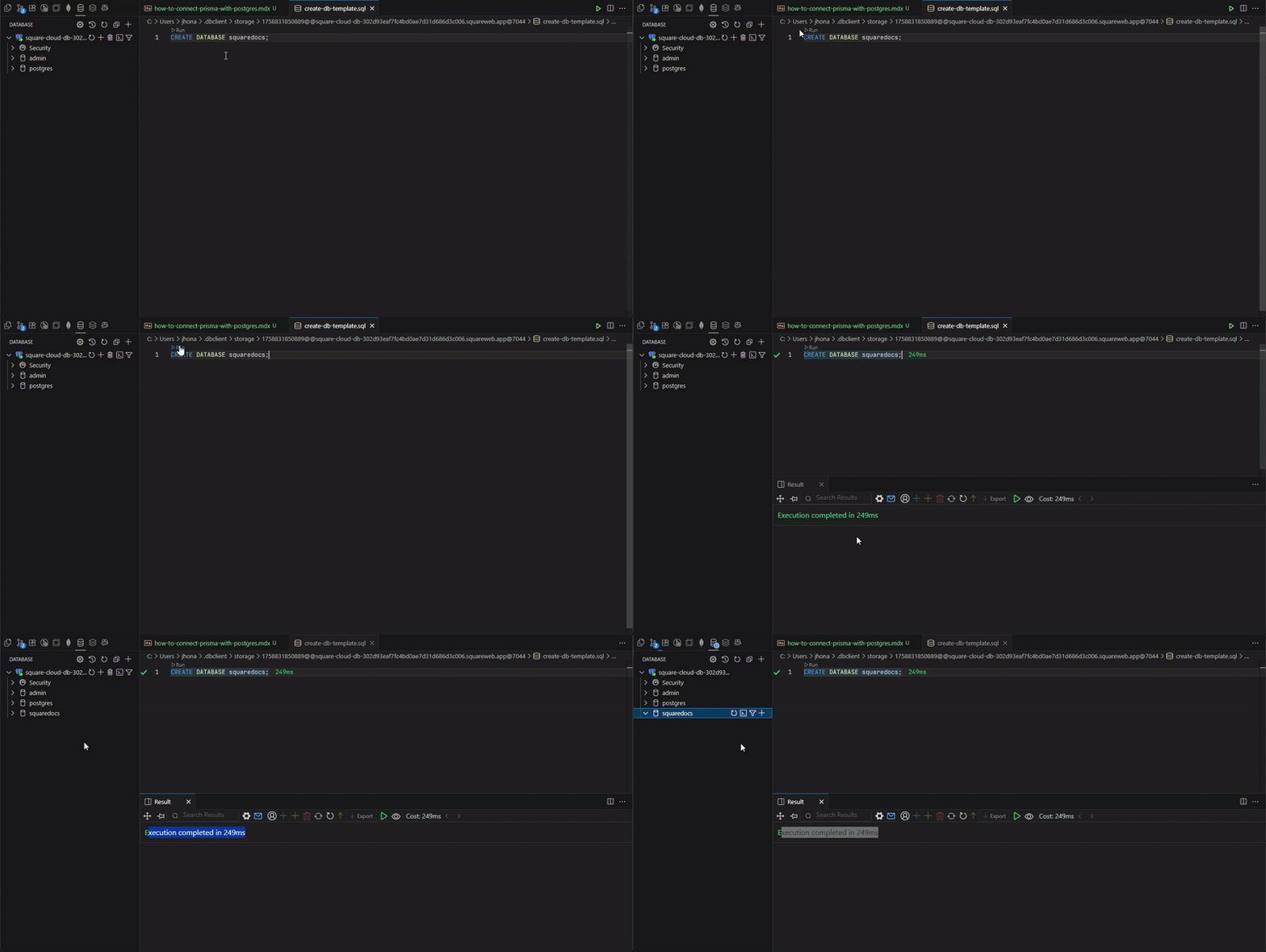
- You will also need to have Drizzle set up in your project. If you haven’t done this yet, you can follow the official DrizzleORM documentation here.
Connecting drizzle with postgres
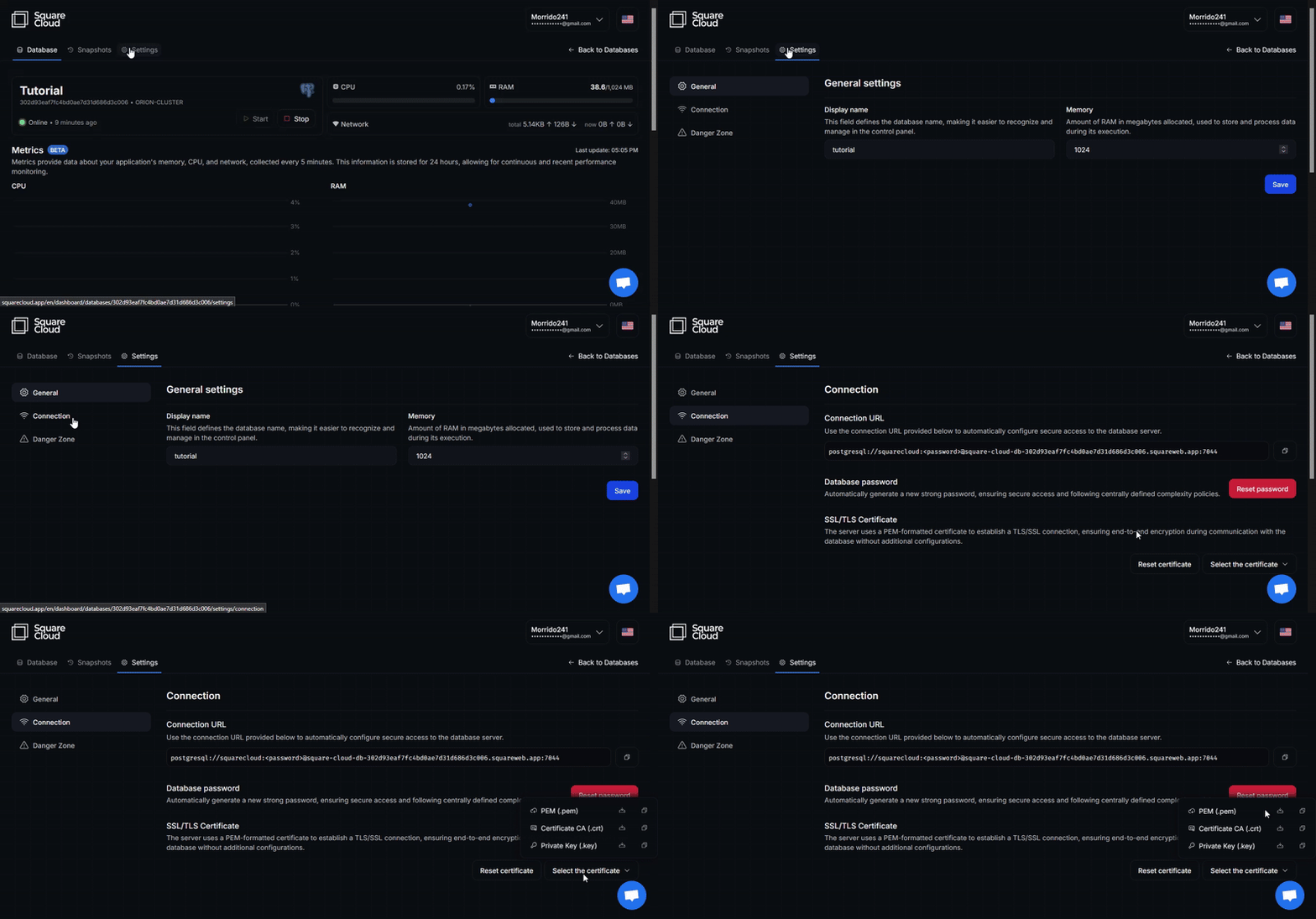
To connect drizzle with postgresql, you will need to get the connection info, the url and certificates.Database URL
The database URL you get in database connection settings will provide you the user, password, host and port for your connection.If you don’t have created one, you can use
squarecloud as dbname.Certificates
In the database connection settings, get thecertificate.pem. This will be our ca, cert and key certificate to connect in our database.
Connecting
To do the connection you will need to set thedrizzle.config.ts. In this momment you can use the credentials separately.
You will need to set the connection parameters like in the example:
drizzle.config.ts
client.ts to use the certificates in a similar way.
client.ts