> ## Documentation Index
> Fetch the complete documentation index at: https://docs.squarecloud.app/llms.txt
> Use this file to discover all available pages before exploring further.
# 安装
> 了解安装 Square Cloud CLI 所需的步骤。
Square Cloud CLI 是一个命令行工具,可让你与 Square Cloud 服务进行交互。你可以使用该 CLI 来部署应用、管理服务等等。
## 安装
要使用该 CLI,你需要先将其安装到本地机器上。
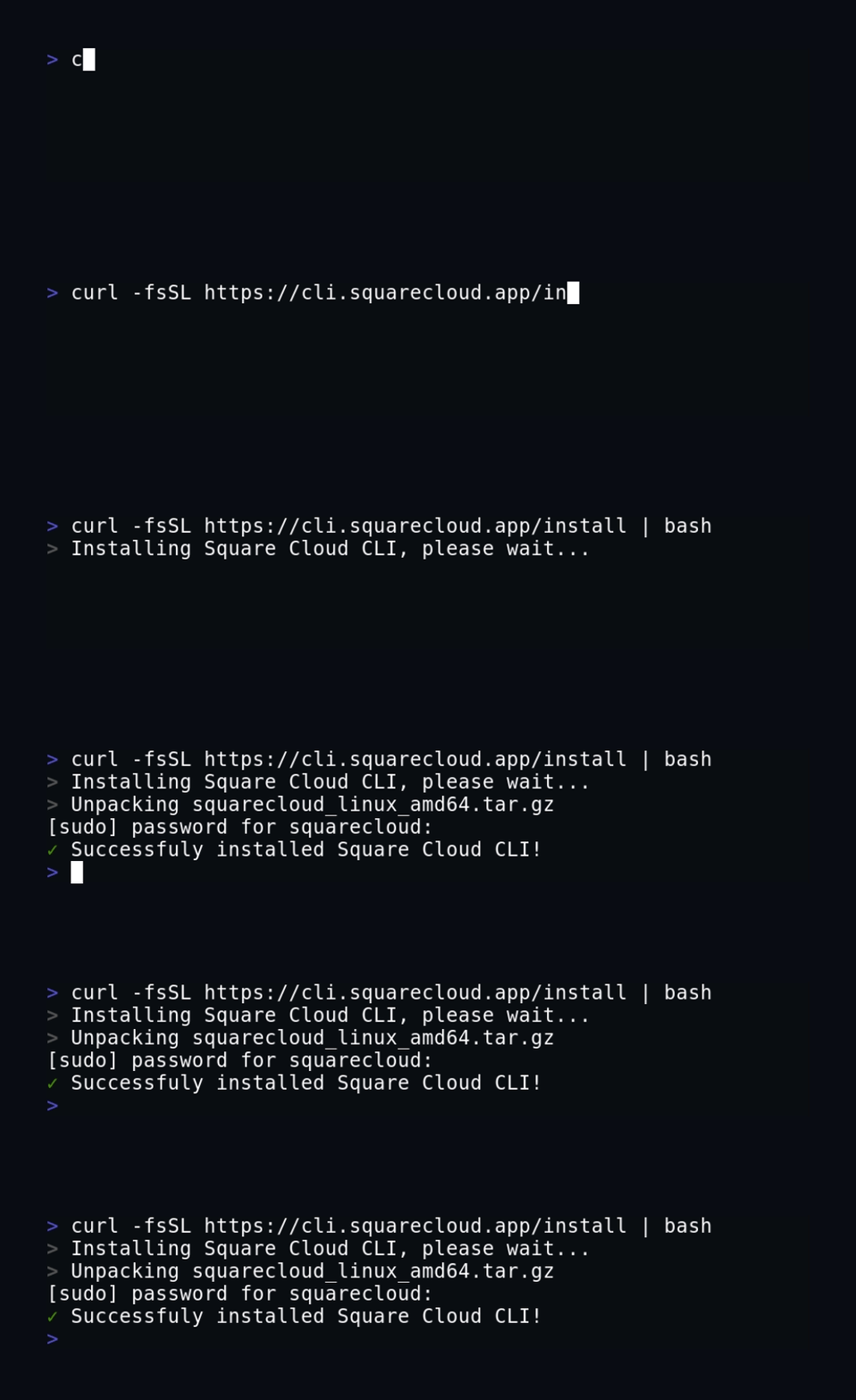
你可以使用以下命令安装 CLI:
```bash macOS, Linux, and WSL theme={null}
curl -fsSL https://cli.squarecloud.app/install | bash
```
```bash Windows with npm theme={null}
npm install -g @squarecloud/cli
```
## 更新 CLI
要更新 CLI,你可以运行以下命令:
```bash Windows theme={null}
npm update -g @squarecloud/cli
```
```bash Linux, macOS, and WSL theme={null}
curl -fsSL https://cli.squarecloud.app/install | bash
```
大功告成!你已经成功更新了 Square Cloud CLI。🎉
## 后续步骤
安装 CLI 之后,你需要向 Square Cloud API 进行身份验证。
了解向 Square Cloud CLI 进行身份验证所需的步骤。