> ## Documentation Index
> Fetch the complete documentation index at: https://docs.squarecloud.app/llms.txt
> Use this file to discover all available pages before exploring further.
# Website Hosting
> Professional website hosting with enterprise performance, Cloudflare Premium WAF security, free global CDN and ultra-fast DNS. Automatic deployment, free SSL and support for all modern frameworks.
 ## Why choose Square Cloud?
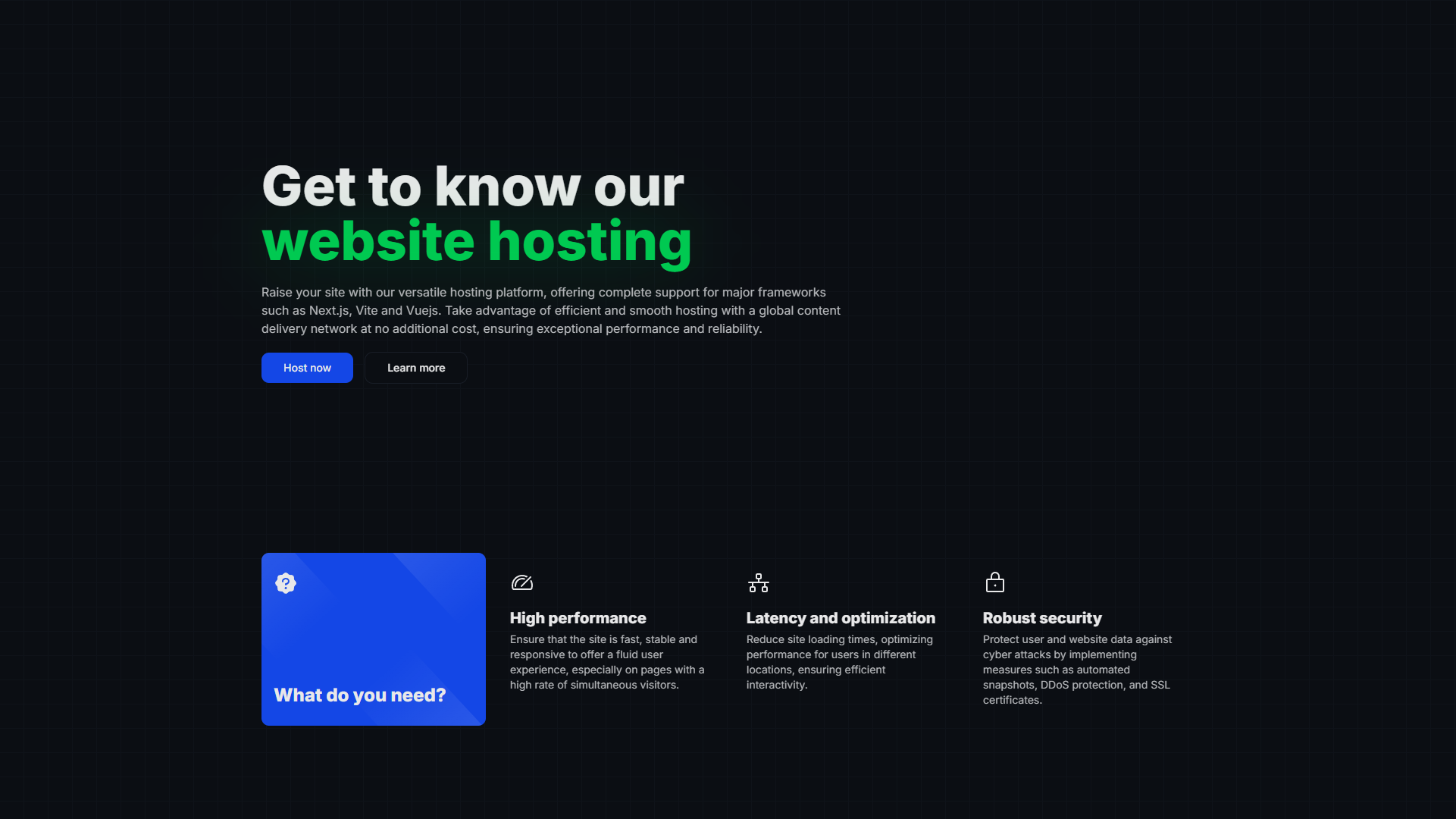
Our platform is built by a specialized cloud infrastructure team **for developers**, combining **cutting-edge hardware** with **tools that streamline your workflow** and ensure **application stability**.
Protect your site with the most advanced security technology: **Cloudflare Premium WAF** integrated + **Square Shield Enterprise** included for free. Enterprise-grade security at no extra cost.
**Next-gen hardware** with **Samsung enterprise NVMe SSDs** and **10Gbps networks** delivering **exceptional performance** and **ultra-low latency**. Includes **free global CDN** to ensure your site **loads instantly**.
**Enterprise DNS with instant global propagation**. Automatically configure your domain with **40% faster resolution** than competitors. Your visitors access your site instantly, anywhere in the world.
**Proprietary instant restore point technology** with **99.9% reliability tested by over 50,000 developers**. Recover your data with one click, no data loss, and **zero downtime**—included for free.
## Supported environments
We offer broad compatibility so you can host your site using your preferred technology.
### Frameworks
We provide native support for the most popular frameworks on the market, ensuring compatibility and performance.
## Why choose Square Cloud?
Our platform is built by a specialized cloud infrastructure team **for developers**, combining **cutting-edge hardware** with **tools that streamline your workflow** and ensure **application stability**.
Protect your site with the most advanced security technology: **Cloudflare Premium WAF** integrated + **Square Shield Enterprise** included for free. Enterprise-grade security at no extra cost.
**Next-gen hardware** with **Samsung enterprise NVMe SSDs** and **10Gbps networks** delivering **exceptional performance** and **ultra-low latency**. Includes **free global CDN** to ensure your site **loads instantly**.
**Enterprise DNS with instant global propagation**. Automatically configure your domain with **40% faster resolution** than competitors. Your visitors access your site instantly, anywhere in the world.
**Proprietary instant restore point technology** with **99.9% reliability tested by over 50,000 developers**. Recover your data with one click, no data loss, and **zero downtime**—included for free.
## Supported environments
We offer broad compatibility so you can host your site using your preferred technology.
### Frameworks
We provide native support for the most popular frameworks on the market, ensuring compatibility and performance.
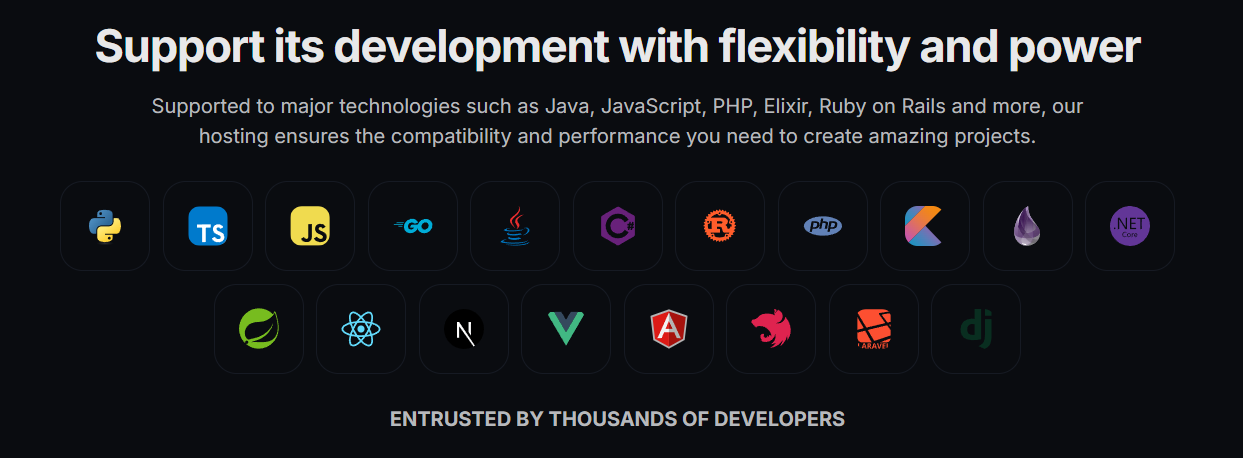 Beyond the frameworks shown above, our platform offers **universal support** for virtually any framework or library. Our flexible infrastructure automatically adapts to your project's specific needs, ensuring compatibility with your chosen technology.
### Languages
## Developer ecosystem
Optimize your workflow with our development tools:
* **Square Cloud CLI:** Manage your applications directly from the terminal.
* **VSCode Extension:** Integrate hosting management into your editor.
* **GitHub Webhooks:** Configure automatic deployments based on events.
* **GitHub Actions:** Automate deployments via intelligent workflows.
* **SDKs:** Interact with our API programmatically.
In conclusion, Square Cloud offers a comprehensive set of features and support to ensure that your site is not only hosted efficiently but also fortified against the challenges of the digital landscape. Elevate your online presence with Square Cloud hosting and experience the innovation and robustness that define this advanced technology platform.
## Custom domain
**Set up your professional domain in minutes** and join the thousands of companies that trust Square Cloud for their mission-critical projects. Simplified process with automatic SSL and instant global propagation.
Thinking about a custom domain? Square Cloud makes it easy.
## How to host my website?
The first step to host your site on **Square Cloud** is to create a detailed configuration file. This file is not just a simple text document but a comprehensive guide that defines your application's settings on **Square Cloud**. It serves as an architectural blueprint for your project on the platform.
Once you have your plan, you need to create this file by detailing each setting and filling it out correctly. Details on how to create this file are available [here](https://docs.squarecloud.app/en/getting-started/config-file) with a step-by-step guide.
Remember to include the following fields in your configuration file:
* **SUBDOMAIN:** The subdomain for your site.
Beyond the frameworks shown above, our platform offers **universal support** for virtually any framework or library. Our flexible infrastructure automatically adapts to your project's specific needs, ensuring compatibility with your chosen technology.
### Languages
## Developer ecosystem
Optimize your workflow with our development tools:
* **Square Cloud CLI:** Manage your applications directly from the terminal.
* **VSCode Extension:** Integrate hosting management into your editor.
* **GitHub Webhooks:** Configure automatic deployments based on events.
* **GitHub Actions:** Automate deployments via intelligent workflows.
* **SDKs:** Interact with our API programmatically.
In conclusion, Square Cloud offers a comprehensive set of features and support to ensure that your site is not only hosted efficiently but also fortified against the challenges of the digital landscape. Elevate your online presence with Square Cloud hosting and experience the innovation and robustness that define this advanced technology platform.
## Custom domain
**Set up your professional domain in minutes** and join the thousands of companies that trust Square Cloud for their mission-critical projects. Simplified process with automatic SSL and instant global propagation.
Thinking about a custom domain? Square Cloud makes it easy.
## How to host my website?
The first step to host your site on **Square Cloud** is to create a detailed configuration file. This file is not just a simple text document but a comprehensive guide that defines your application's settings on **Square Cloud**. It serves as an architectural blueprint for your project on the platform.
Once you have your plan, you need to create this file by detailing each setting and filling it out correctly. Details on how to create this file are available [here](https://docs.squarecloud.app/en/getting-started/config-file) with a step-by-step guide.
Remember to include the following fields in your configuration file:
* **SUBDOMAIN:** The subdomain for your site.
Example: `SUBDOMAIN=test` (test.squareweb.app)
* **MEMORY:** The amount of RAM, with a **minimum of 512MB**.
With the configuration file ready, the next step is to prepare your application for upload. This involves placing the application files and the Square Cloud configuration file into a .zip archive.
However, not all files need to be included in this .zip. Files like `node_modules`, `package-lock.json`, `pyproject.toml`, `poetry.lock`, and `__pycache__` are not required, as they can be generated automatically on the server side.
Another crucial aspect is including the dependencies file in the .zip. This file tells the Square Cloud platform which dependencies to install for your project. For a Node.js project, this file is `package.json`, and for a Python project, it’s `requirements.txt`.
These files list the libraries and packages required for your application to function correctly. Keeping these files up to date is crucial to avoid installation errors. Additionally, it’s important to note that native dependencies, such as `node-fetch` in Node.js and `random` in Python, should not be included in these files, as they are built-in libraries.
If you can set a `port` in your code or the `START` parameter, always set it to `port 80`. The only exception is when hosting a Lavalink server—see more [here](https://docs.squarecloud.app/en/tutorials/how-to-create-your-lavalink-server).
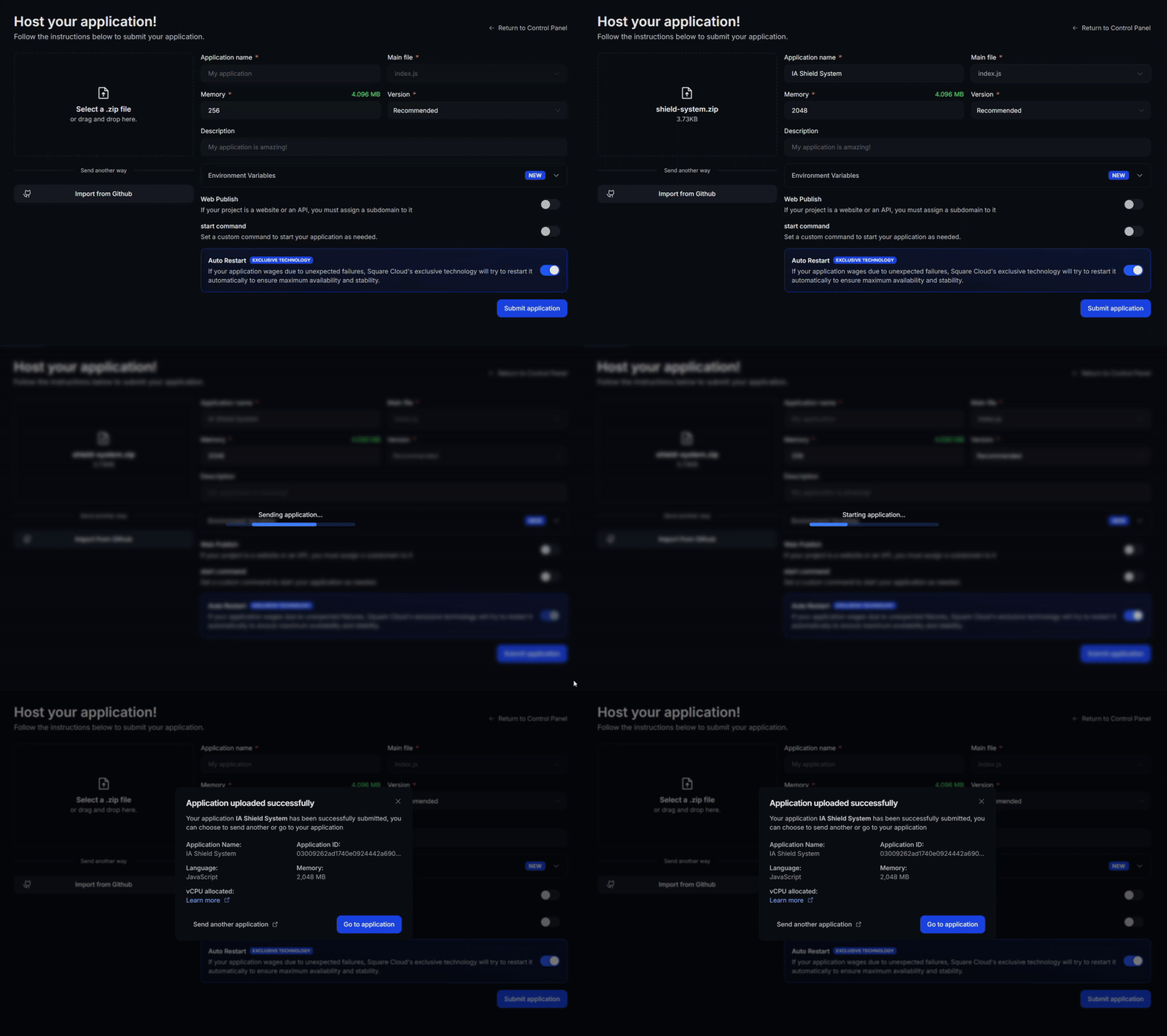
After following all the steps and configuring your project for Square Cloud, it’s time to upload your site. Go to the upload page on the Square Cloud website and upload your .zip file [here](https://squarecloud.app/en/dashboard/upload).
The process is straightforward: select your .zip file and click the upload button. Square Cloud will begin the deployment process, installing the necessary dependencies and setting up the environment based on your configuration file.