> ## Documentation Index
> Fetch the complete documentation index at: https://docs.squarecloud.app/llms.txt
> Use this file to discover all available pages before exploring further.
# Installation
> Learn what it takes to install the Square Cloud CLI.
The Square Cloud CLI is a command-line tool that allows you to interact with Square Cloud services. You can use the CLI to deploy applications, manage services, and much more.
## Installation
To use the CLI, you need to install it on your local machine.
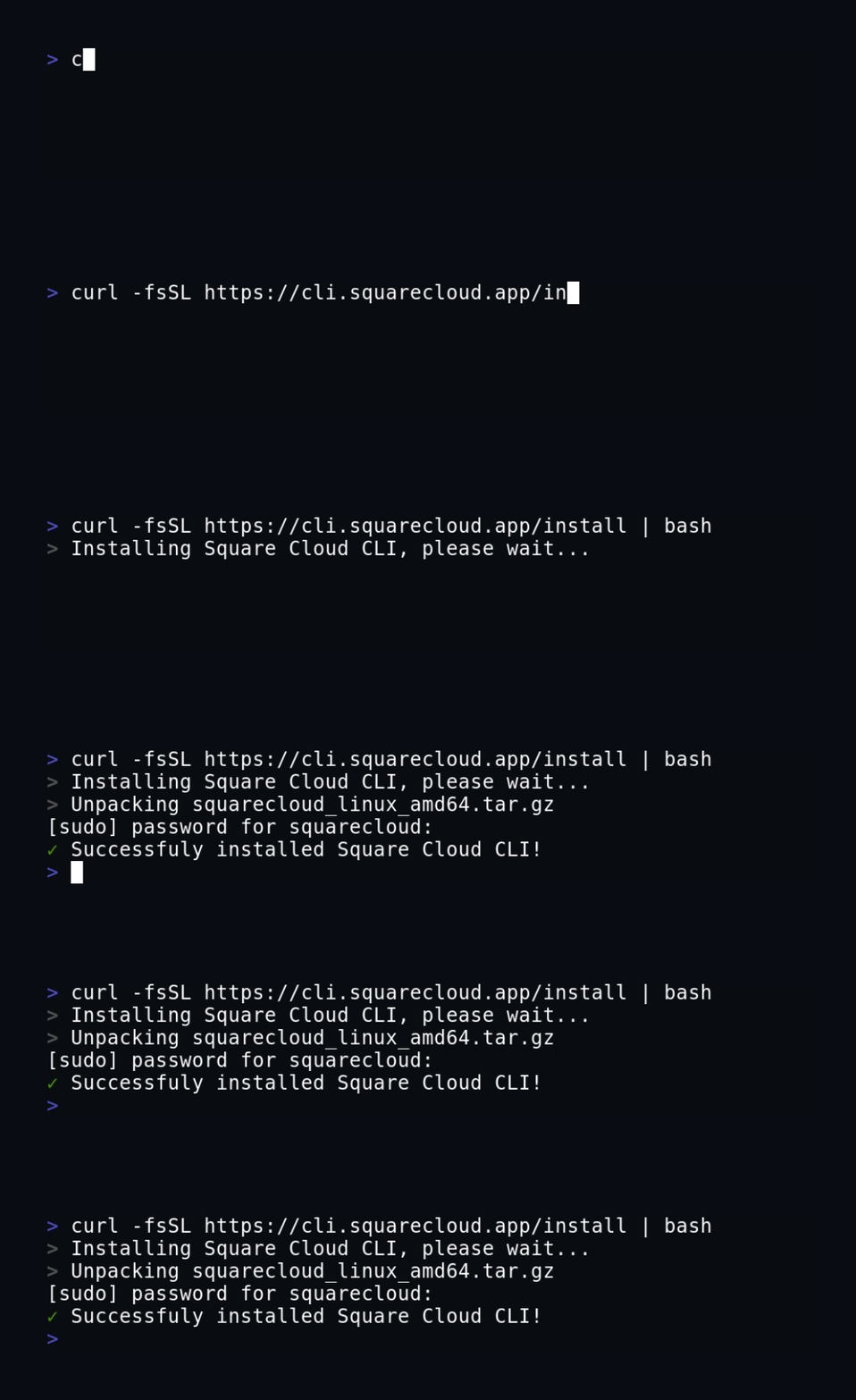
You can install the CLI using the following commands:
```bash macOS, Linux, and WSL theme={null}
curl -fsSL https://cli.squarecloud.app/install | bash
```
```bash Windows with npm theme={null}
npm install -g @squarecloud/cli
```
## Update the CLI
To update the CLI, you can run the following command:
```bash Windows theme={null}
npm update -g @squarecloud/cli
```
```bash Linux, macOS, and WSL theme={null}
curl -fsSL https://cli.squarecloud.app/install | bash
```
And that's it! You have successfully updated the Square Cloud CLI. 🎉
## Next steps
After installing the CLI, you need to authenticate to the Square Cloud API.
Learn what it takes to authenticate to the Square Cloud CLI.